

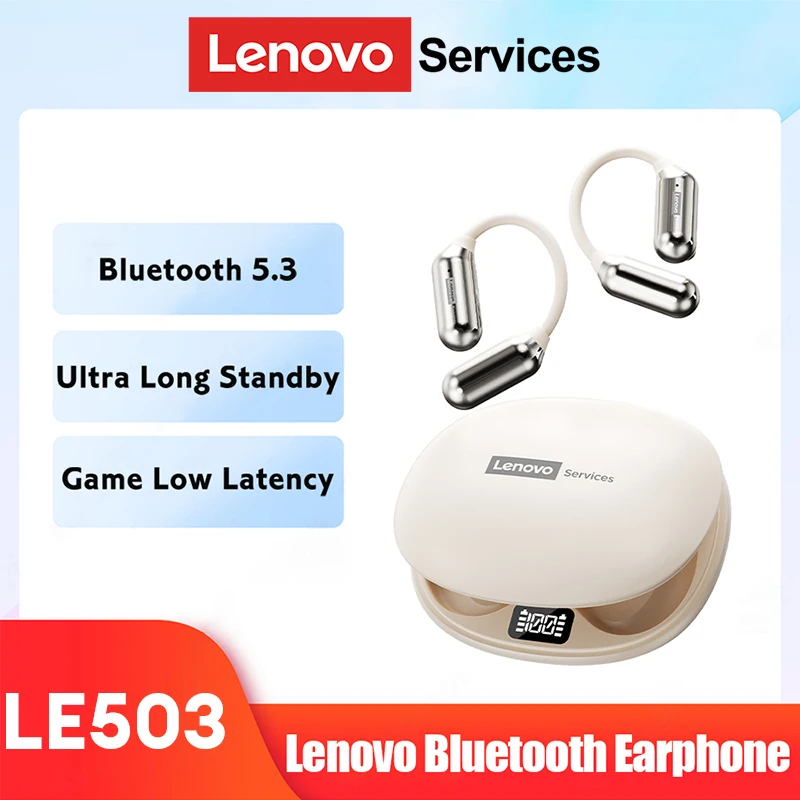
Lenovo LE503 Bone Conduction Hanging Ear Open Wireless Earphone Call Noise Reduction Ultra Long Battery Open Bluetooth Earphones(For more information about headphones, please refer to the end of the article)
Product Specifications:
Brand Name:Lenovo
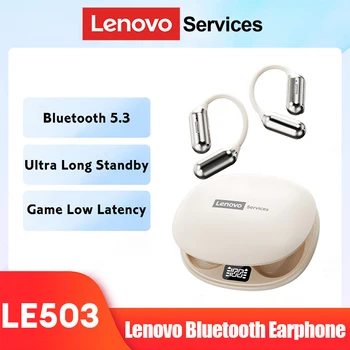
Product Name: Lenovo OWS LE503 Open-Ear Wireless Earphones
Model: LE503
Color: Beige, black
Control Method: Touch buttons
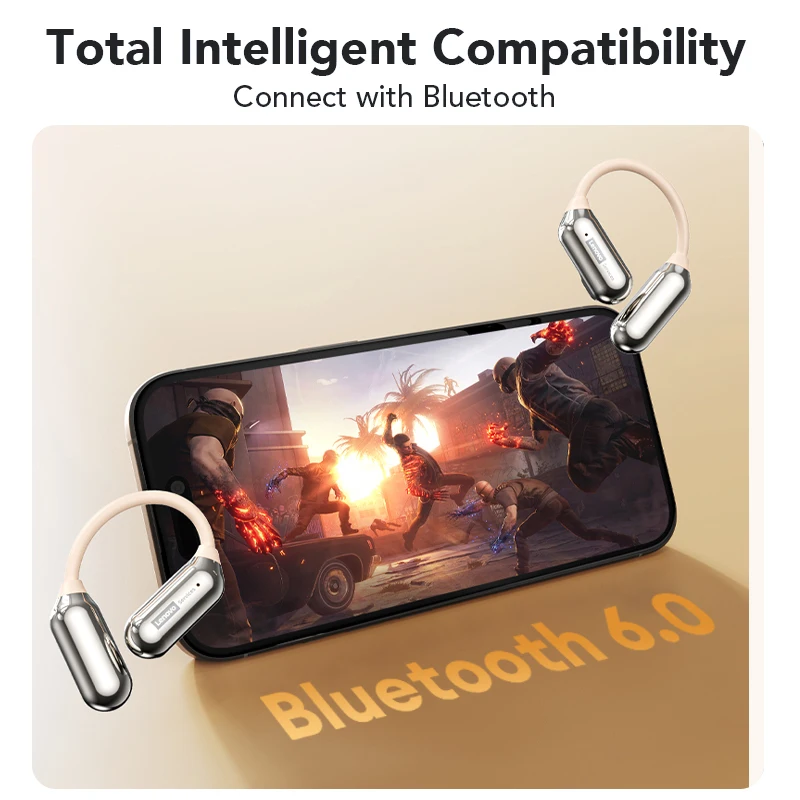
Bluetooth Version: V6.0
Communication Distance: About 10 meters
Applicable: Bluetooth-enabled playback devices
Single earbud listening time: About 4 hours (normal volume)
Charging port: Type-C
Charging time: About 2 hours
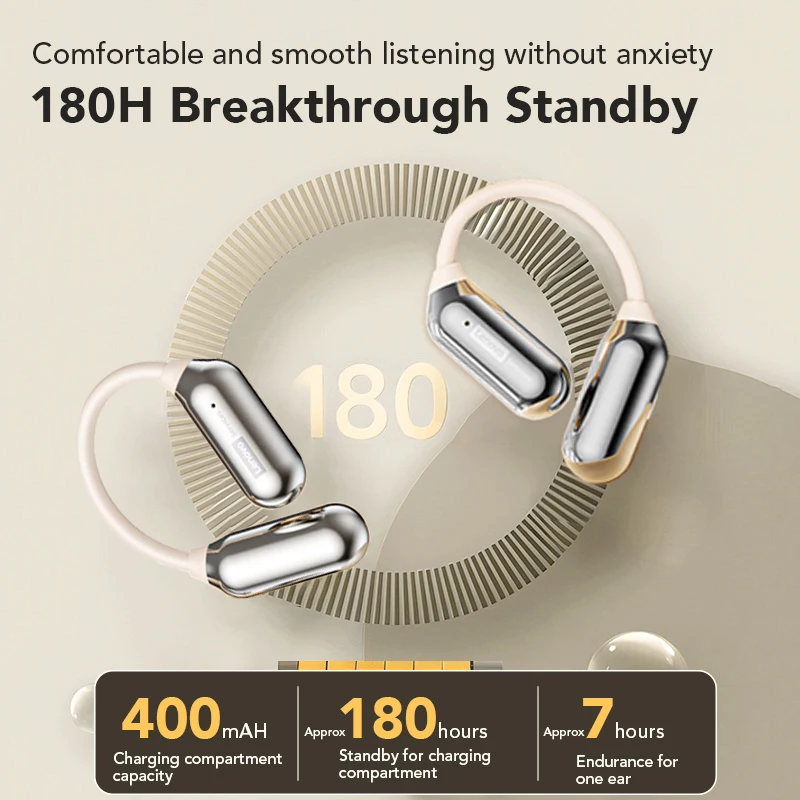
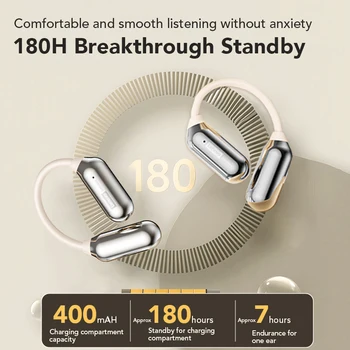
Battery Capacity: 300mAh(Charging Case)/40mAh*2(Earbuds)
Style:Ows ear hook headphones
Feature 1:Open-Ear Wireless Headphones
Feature 2:Earhook Sport Earbuds
Feature 3:OWS Earphones
Feature 4:Long Endurance Noise Reduction
Package Included
2* Bluetooth Earphones
1* Charging Case
1* Type-C Cable
1* User Manual

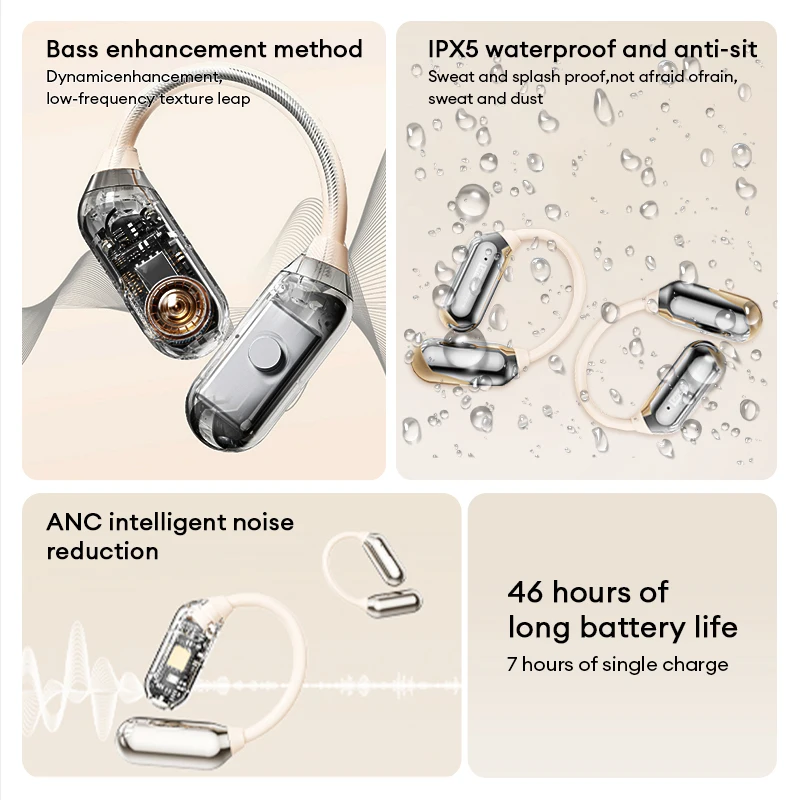
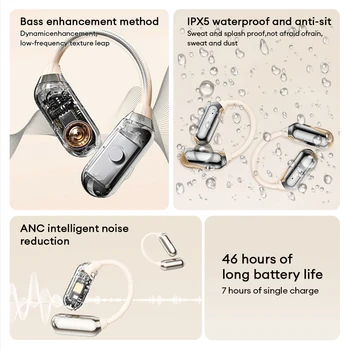
The functional features of this image are briefly described as follows:
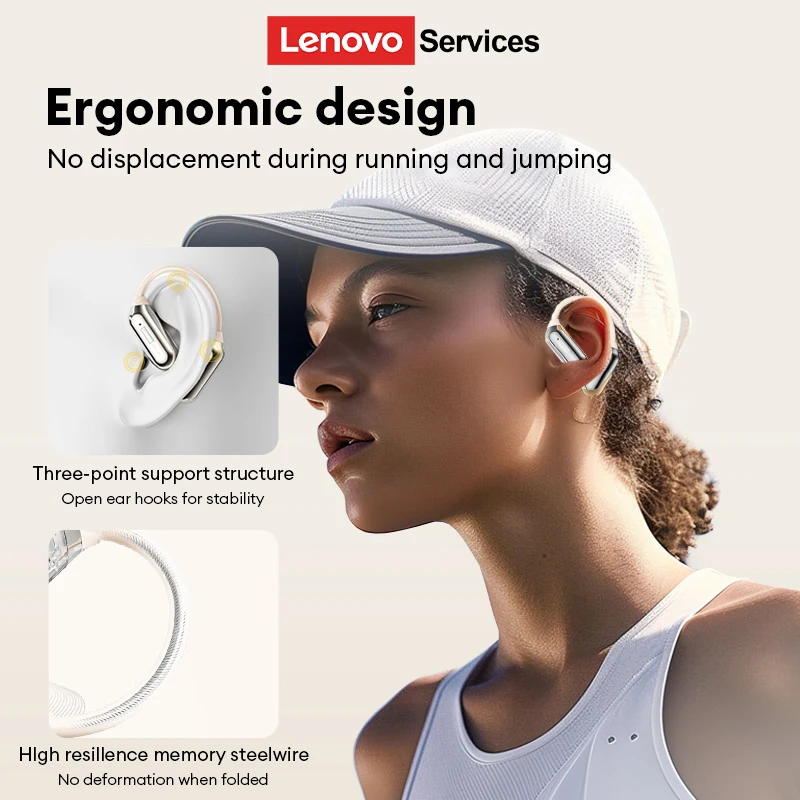
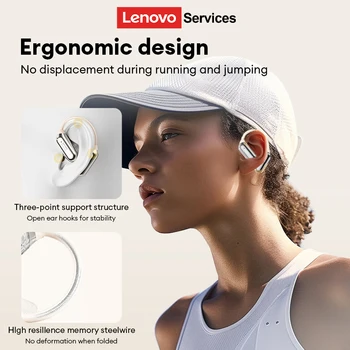
This earphone features an ergonomic curved design that adapts to different ear types, with bass enhancement technology, IPX5 waterproof and sweat proof, ANC intelligent noise reduction function, and supports up to 46 hours of long battery life (specific battery life depends on usage frequency and frequency). It also uses high rebound memory steel wire that is not easily deformed, enhancing the user experience in multiple dimensions.
The headphones are very beautiful and comfortable to wear
This earphone adopts an ear hook design, achieving a comfortable wearing experience in all directions and improving comfort
Lightweight and airy wearing experience
Each earpiece is only about 59 mm, compact and lightweight, fitting seamlessly into the ear, eliminating stuffiness and pressure

ANC intelligent noise reduction
This earphone features ANC intelligent noise cancellation, achieving high-definition and leak free sound through panoramic audio matrix and dual effect sound wave technology, allowing you to enjoy the dynamic experience of high-frequency rhythm sound waves during exercise.

Gaming experience
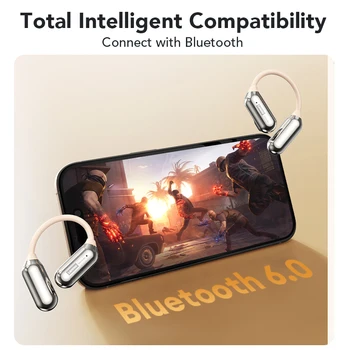
This earphone supports switching between music/game modes at will, and with Bluetooth 6.0, it can bring you a more immersive music and gaming experience.

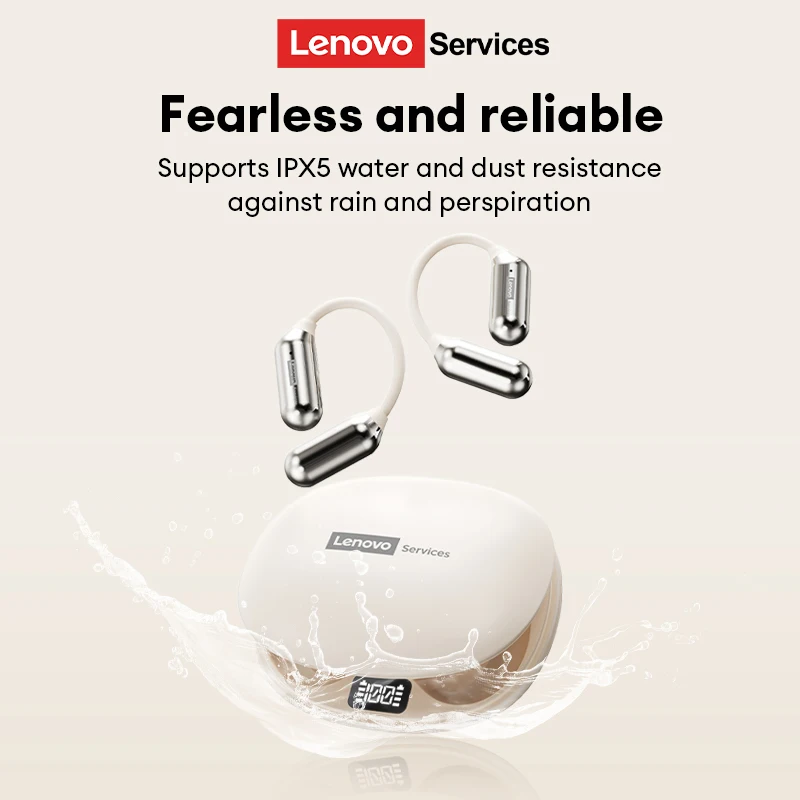
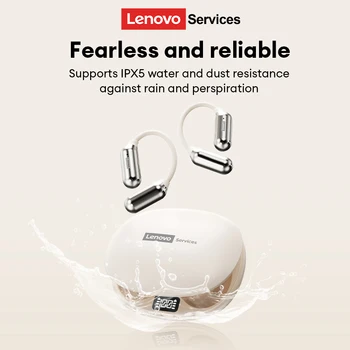
IPX5 waterproof rating
This earphone is easy to connect with an open cover, providing precise response and supporting IPX5 waterproof rating. The charging case is equipped with a digital display screen for clear viewing of battery level.


FAQ:
Q: What should I do if the headset received unable to turn on?
A: Confirm that the charging case has power left.If charging case power off, please put the earphones in charge case and charging for 1 hour and try again.
Q: What should I do if Sound comes from only one earphone?
A: Put both earphones back into the charging case and close the cover, then take them out again to check whether both ears have sound. If only one earphone still has sound, please restore the factory settings for both earphones.
Q: How to solve the problem that the mobile phone prompts that it cannot connect?
A: Delete the pairing record on the mobile phone, and then search for pairing and connect again.
Q: How to solve the problem that there is no sound when listening to music or calling?
A: There is a settings icon on the right side of the Bluetooth connection name on Android phones. Click to enter, turn off the mobile phone audio and media audio, and then turn them on again. If there is still no sound, please re-pair the earphones with the mobile phone.
Q: Why is there a delay in video or games?
A: Affected by factors such as the use environment, network and mobile phone Codec, there will be different degrees of delay when the mobile phone transmits audio data to the earphone.
Q: How to solve the problem of stuck or intermittent sound?
A: If there are a lot of Wi-Fi, 5G or 4G signals, high-power electrical appliances around, it may cause stuck and intermittent sound. Please Change the environment or re-pairing can solve the problem.
Other Tips:
1. Before using the earbuds, please read the manual carefully and keep it for future references.
2. The earbuds need to be fully charged prior to first-time use.
3. lf the earbuds are left unused for over two weeks, please recharge.
4. Please use the chargers made by qualified manufacturer.
5. lf earbuds fail to be found by phone, please re-turn them connectable or restore factory settings.
6. lf a program error of phone occurs, please turn off and on Bluetooth function or reboot the phone.
FAQ:
1. Are they comfortable while wearing?
Yes. The headphones are sized to fit most people’s ear size and provide more convenience while maintaining comfort.
2.2. Do they pair automatically with the phone or do I have to connect manually each time?
Yes, of course. It will automatically connect with your device after first-time use.
3.3. How long does it take to fully charge?
Generally, 1.5 hours is enough to get it fully charged for earphones and 1 hour for earphones compartment.
4. Does this have a built-in microphone?
Yes, a built-in microphone is made for clear talks.
5. Is this sound leak serious?
As long as the volume is not the maximum, there will be no leakage of sound. As for the health of the ear, you should also avoid using the maximum volume for a long time.
FAQ:
Q: What should I do if the headset received unable to turn on?
A: Confirm that the charging case has power left.If charging case power off, please put the earphones in charge case and charging for 1 hour and try again.
Q: What should I do if Sound comes from only one earphone?
A: Put both earphones back into the charging case and close the cover, then take them out again to check whether both ears have sound. If only one earphone still has sound, please restore the factory settings for both earphones.
Q: How to solve the problem that the mobile phone prompts that it cannot connect?
A: Delete the pairing record on the mobile phone, and then search for pairing and connect again.
Q: How to solve the problem that there is no sound when listening to music or calling?
A: There is a settings icon on the right side of the Bluetooth connection name on Android phones. Click to enter, turn off the mobile phone audio and media audio, and then turn them on again. If there is still no sound, please re-pair the earphones with the mobile phone.
Q: Why is there a delay in video or games?
A: Affected by factors such as the use environment, network and mobile phone Codec, there will be different degrees of delay when the mobile phone transmits audio data to the earphone.
Q: How to solve the problem of stuck or intermittent sound?
A: If there are a lot of Wi-Fi, 5G or 4G signals, high-power electrical appliances around, it may cause stuck and intermittent sound. Please Change the environment or re-pairing can solve the problem.
Other Tips:
1. Before using the earbuds, please read the manual carefully and keep it for future references.
2. The earbuds need to be fully charged prior to first-time use.
3. lf the earbuds are left unused for over two weeks, please recharge.
4. Please use the chargers made by qualified manufacturer.
5. lf earbuds fail to be found by phone, please re-turn them connectable or restore factory settings.
6. lf a program error of phone occurs, please turn off and on Bluetooth function or reboot the phone.
FAQ:
1. Are they comfortable while wearing?
Yes. The headphones are sized to fit most people’s ear size and provide more convenience while maintaining comfort.
2. Do they pair automatically with the phone or do I have to connect manually each time?
Yes, of course. It will automatically connect with your device after first-time use.
3.How long does it take to fully charge?
Generally, 1.5 hours is enough to get it fully charged for earphones and 1 hour for earphones compartment.
4. Does this have a built-in microphone?
Yes, a built-in microphone is made for clear talks.
5. Is this sound leak serious?
As long as the volume is not the maximum, there will be no leakage of sound. As for the health of the ear, you should also avoid using the maximum volume for a long time.


Real customer reviews